


- Login to your Aveshost Client Area.
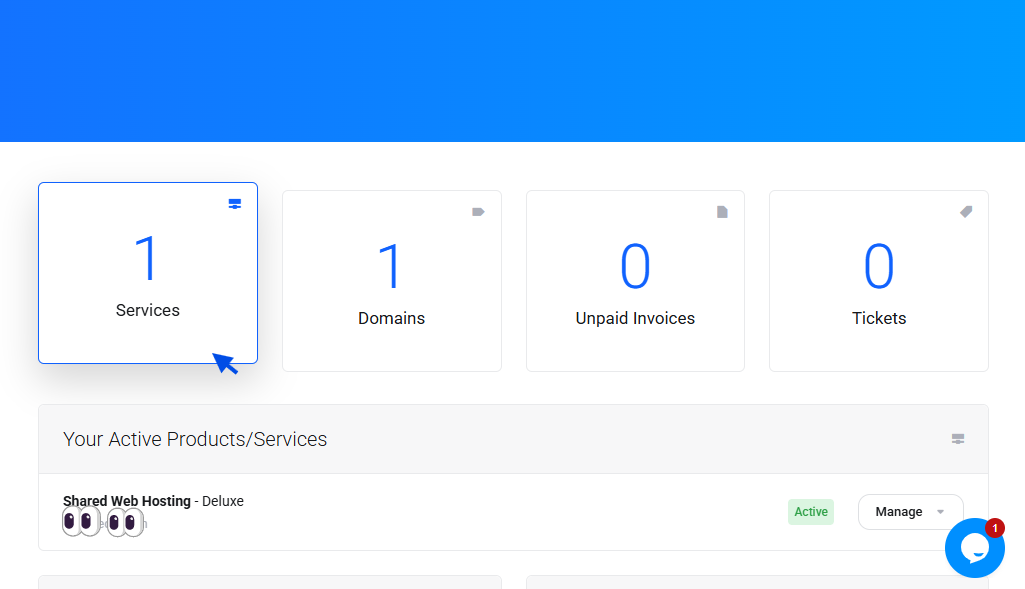
- Click "Services" as shown below
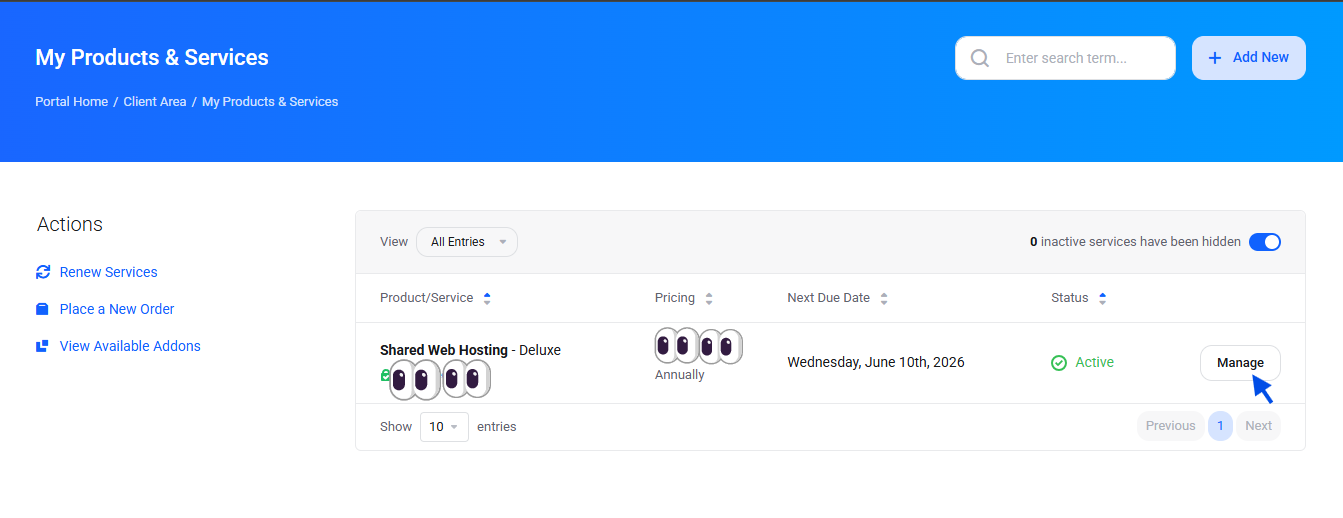
- click the on "Manage " button.
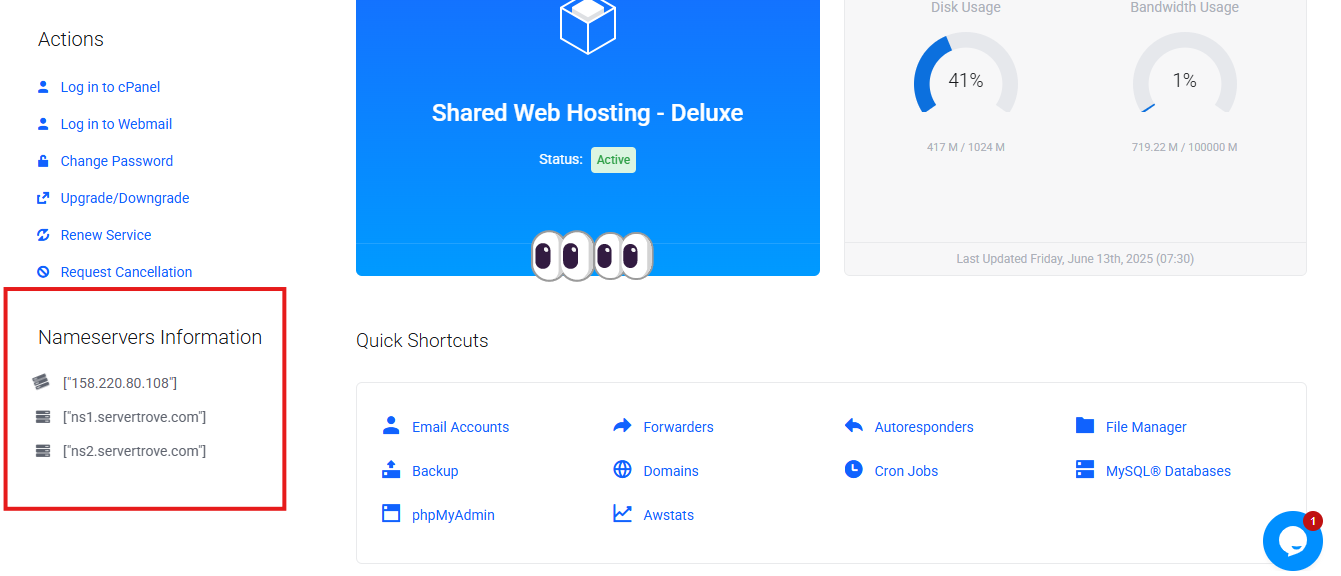
- Scroll down , you will find the nameservers information as shown below:
Most Popular Articles
How to upgrade a hosting plan: A Step-by-Step Guide
Is your website growing, and you need more resources to handle increasing traffic? Upgrading your...
How to Set Up SMTP on a PHP Website
Many traditional, custom, and legacy PHP websites still rely on PHP’s native mail() function to...
How to Set Up SMTP in Laravel
Modern Laravel web applications rely on email delivery for critical user workflows, including...